
Writing poems
Line surgery with full undo: move, duplicate, join, split, indent — and the outline cards that keep a collection in shape.
Line surgery
Put the caret anywhere in a line and:
- Alt+↑ / Alt+↓ — move the line up or down, across stanzas too
- Alt+D — duplicate the line
- Alt+J — join it with the line above (on macOS those two chords type Greek characters instead, and there is no menu entry for them yet — a known alpha gap)
- Tab / Shift+Tab — indent, outdent
Every operation is Ctrl+Z-able. A line is a real object in Rhema, not a soft wrap — that is the whole point of the poetry format.
Scraps: cut what you love
A line you love but can’t keep here? Alt+Shift+X cuts it into the Scraps drawer, tagged with its origin poem. Open the drawer, pick it, Put in — it lands at the caret in the poem you have open. Cut what you love; nothing clutters the page. (On macOS the chord types the Greek letter Ξ instead, so this shortcut is unavailable there.)
Status: draft, fair copy, finished
Right-click a poem (or use its menu) → Poem status…: Draft, Fair copy, Finished. The outline cards show a status dot per poem and a progress chip for the collection — “{done} of {total} poems finished”.
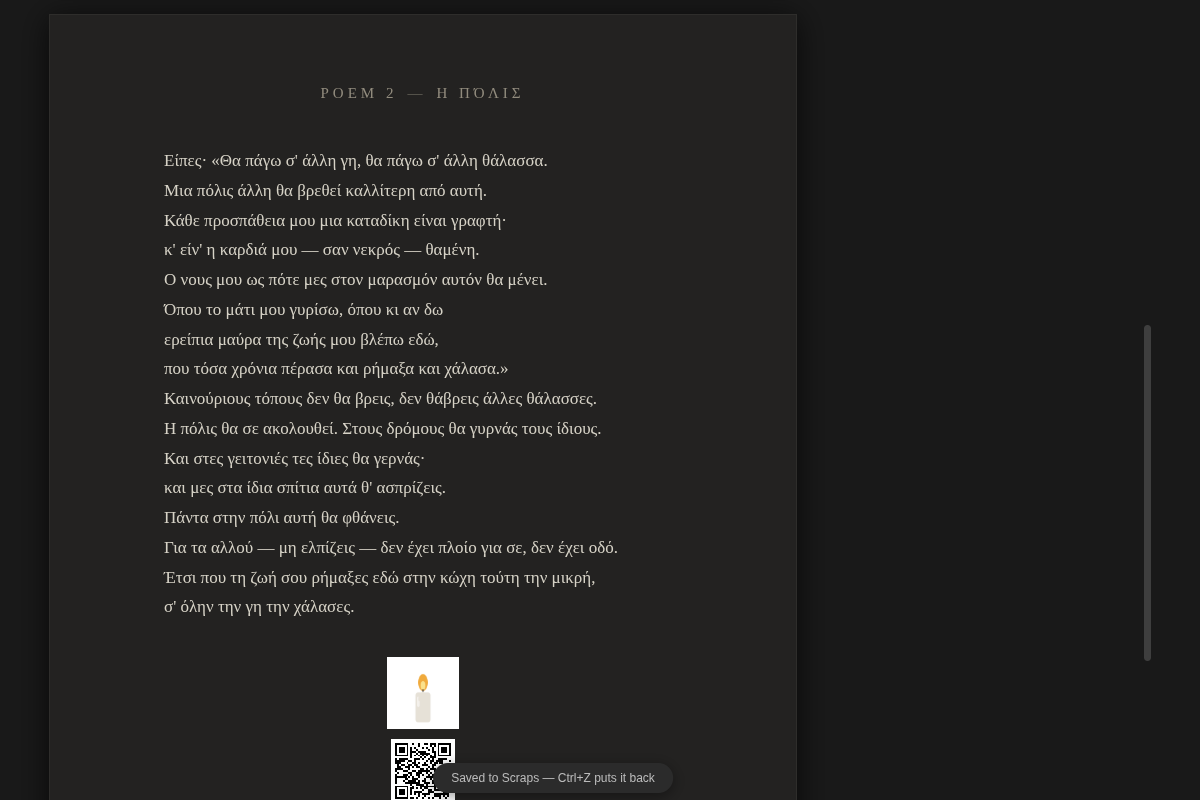
The colophon at each poem’s end
Every poem can carry a mark: Poem drawing… offers an ornament, an asterisk, a meander, an initial, a Poem fingerprint drawn procedurally from the poem’s own text, or your own SVG/PNG — plus AI line art and illustration when a local model is configured. Poem QR… decides what the QR at the poem’s foot encodes.
Next: languages — UI language vs book language, and spellcheck that knows both.