
Reader's Eye & poem AI
A second pair of eyes for a finished poem: observations in the notes, title suggestions, drawings — and the poem itself is never touched.
Requires a text endpoint — see local AI setup.
The Eye
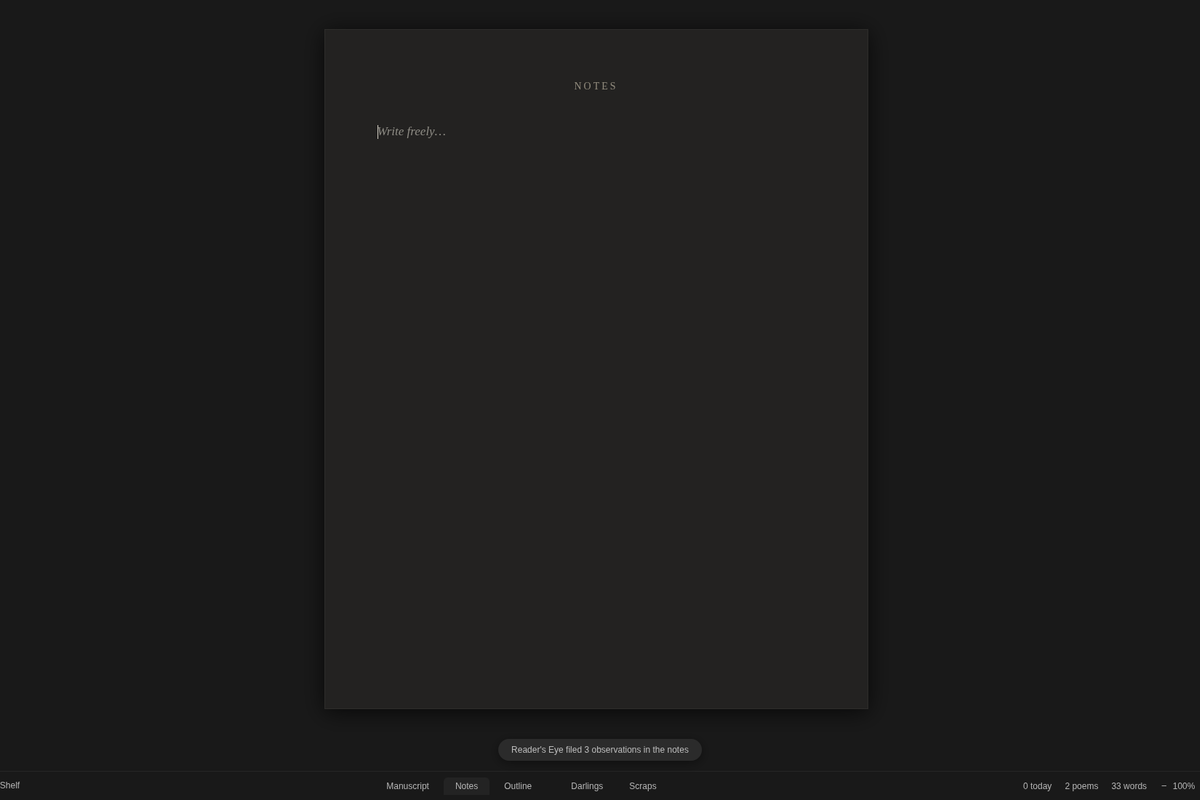
Open a poem and press Ctrl+Shift+E (E for Eye), or right-click the poem in the chapter list and choose Reader’s Eye…. Rhema sends the poem to your model; a moment later the toast says Reader’s Eye filed 3 observations in the notes.
The observations land on the poem’s Notes page, under its title, dated to the minute — and peeked in the chapter list. Each one names something concrete: an image, a sound, a turn, a tension. They arrive in the poem’s own language. The Eye never rewrites, never offers alternatives, and never writes a single character into the poem. Ever.
One reading at a time — a local model can take half a minute, and Rhema says so instead of queueing silently.
Suggest titles…
The poem’s menu also offers Suggest titles…: five short, concrete titles drawn from the poem’s own world. Picking one sets the title — the text never changes — and the dialog shows the current title, so accepting is a visible choice, not a silent overwrite.
Drawings
With an endpoint configured, the poem’s menu offers a generated drawing:
- With a text endpoint, the model draws a monoline line-art SVG itself — print-safe vector art.
- With ComfyUI, Rhema paints an illustration from a brief the language model writes from the poem.
The drawing sits at the poem’s foot as a colophon. What should the AI draw? — leave it empty and it derives the motif from the poem. One drawing at a time; if the model’s answer isn’t a clean drawing, Rhema says so and saves nothing.
Honesty, alpha-grade: a local model is a reader, not an editor. Take what lands; the poem stays yours.
Start here: getting started.