
Shelves & pen names
Your library is furniture you arrange: shelves, pen names with their own shelves, and a library folder that stays yours.
Shelves
Books live on shelves. Right-click a shelf header to Add a shelf, rename it, or delete it — Books move to another shelf. Nothing is deleted from disk. A shelf’s menu also offers Export shelf as anthology…: its works, in shelf order, collected into a single book with a table of contents.
Drag a book to the top of another shelf to move it; Esc puts it back.
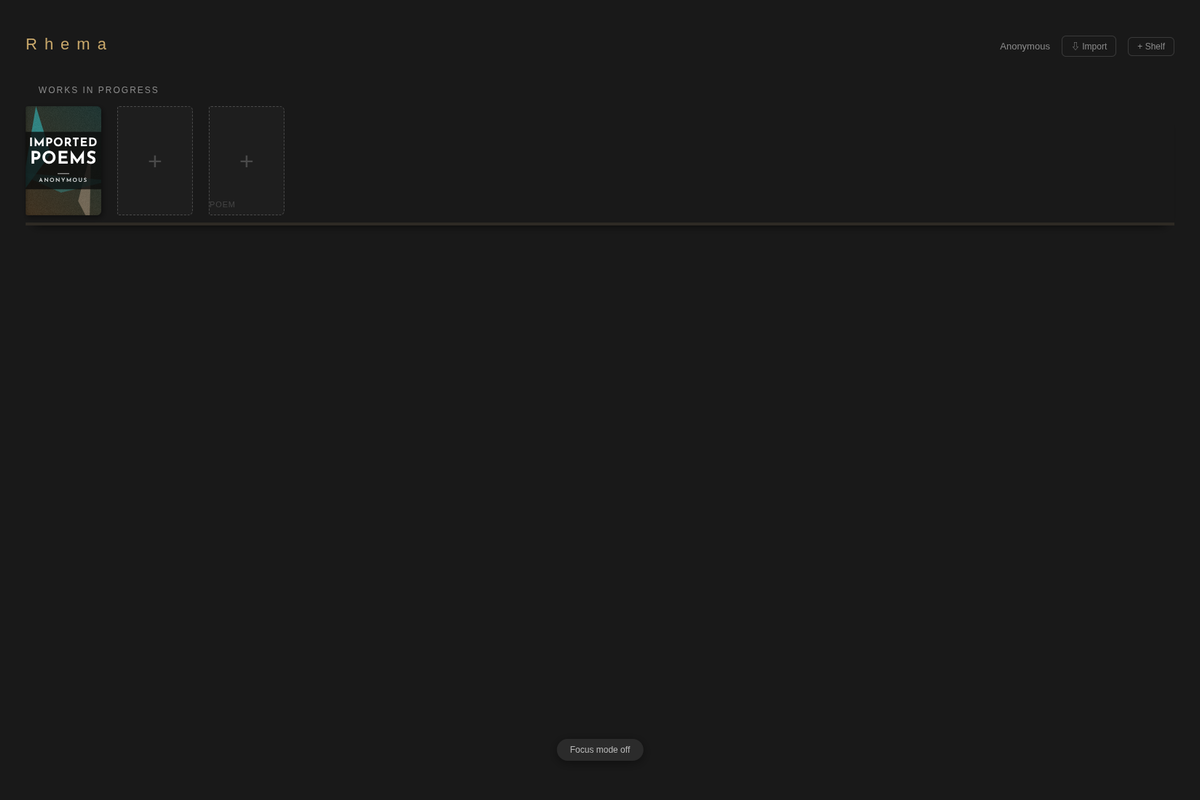
Pen names
The author name in the header opens the name menu: Write as … switches to another name’s shelves, Add a pen name… creates a separate set of shelves under another name — a different body of work, a different title page. Removing a name moves its shelves and books to your other name; nothing is deleted from disk.
Books that lost their shelf
File → Reshelve a Book… lists every book not on a shelf and puts one back.
Where the files actually live
File → Library Folder… shows and changes the folder your library lives in. It is plain files — books, snapshots, Darlings — on your own disk, in a folder you chose. Back it up with any backup tool; move it by pointing Rhema at the new location.
Start here: getting started.