
Cover art
Every book gets a cover on the shelf: a seeded abstract, your own image, or a painting from the text — on your own machine.
The seeded abstract
Every book on the shelf starts with a generated abstract cover — the title set in type over a pattern seeded from the book itself. The ↻ on a book’s tile opens Cover for “…”:
- Show the abstract — the seeded cover every book starts with.
- New type & colours — a fresh abstract, a different title setting.
- Show your cover art — if you gave the book an image (Set cover art… in the book’s menu).
Painted from the text
Once a book passes 1,000 words, the cover menu grows Paint a cover from the text: the language model reads the book and writes a brief, an image model paints it.
- With your local AI set up: Rhema reads the book and paints a new cover. About a minute, on your own machine.
- With an OpenAI key under File → Cover Art…: the same, through OpenAI’s image models — a few cents a picture.
When a story crosses the threshold Rhema nudges you once; Paint it again is always there afterwards.
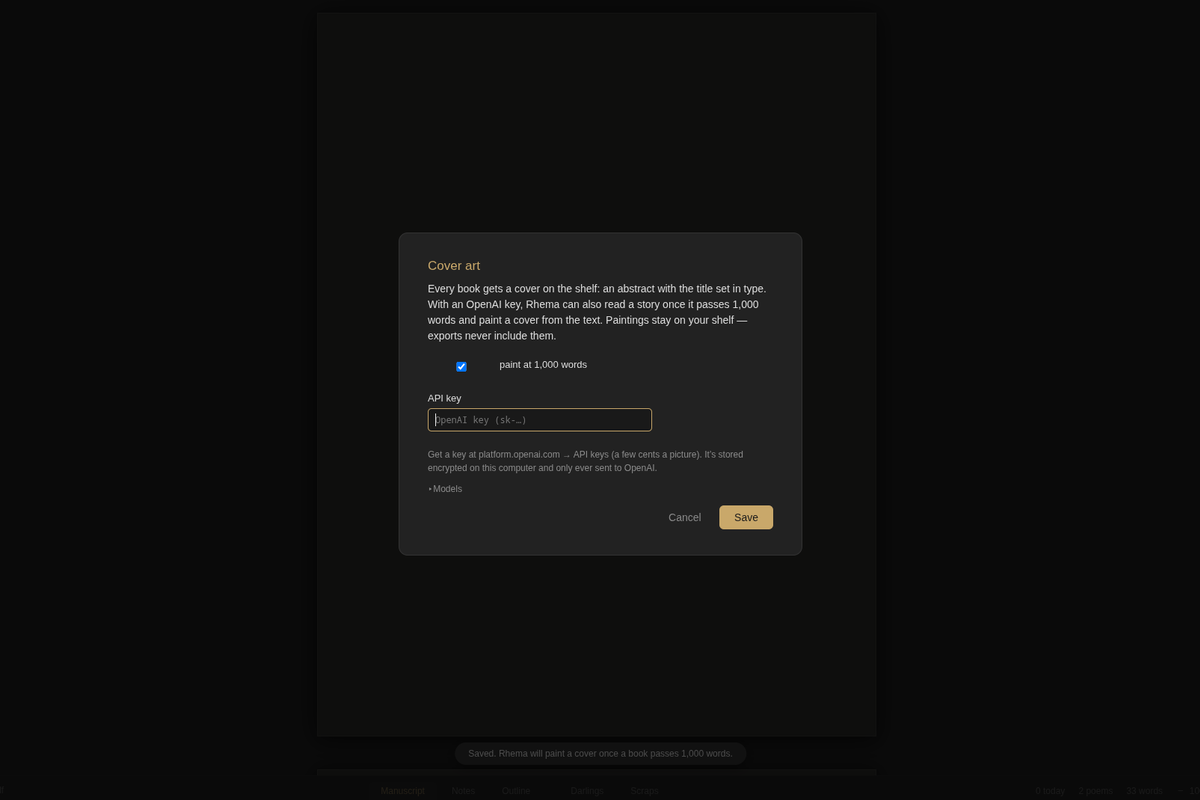
What paintings are — and aren’t
A painting is shelf furniture: it decorates the book on your shelves and in the title page, but exports never include them. Your printed chapbook and EPUB carry the words, not the art. (For a printed cover, use the KDP cover template from printing a chapbook.)
Start here: getting started.